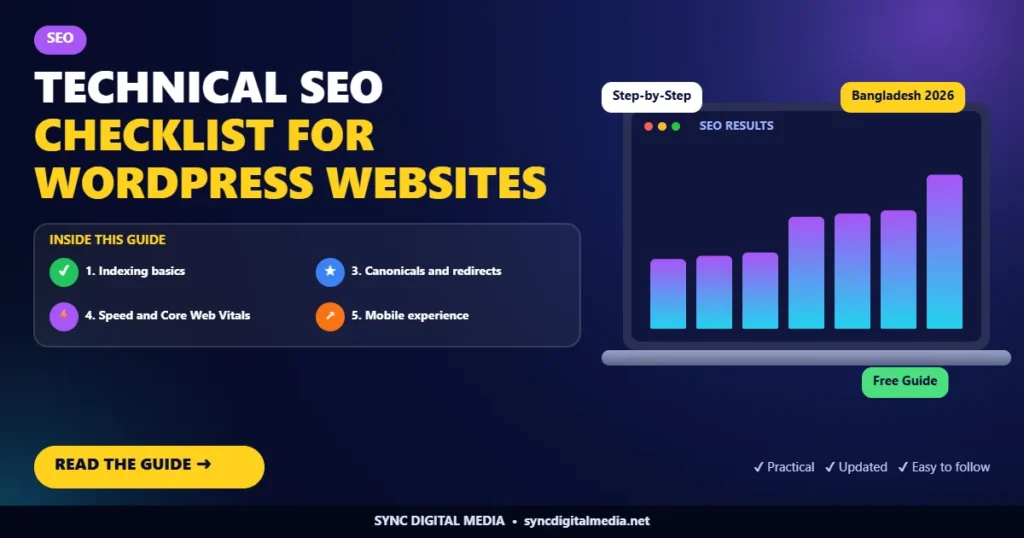
Short answer: technical SEO makes sure search engines can crawl, render and index your pages quickly. On WordPress, the essentials are: search visibility turned on, a clean XML sitemap submitted to Search Console, fast mobile pages, correct canonical tags, no broken links, HTTPS everywhere and structured data on key pages.
1. Indexing basics
- In Settings > Reading, make sure “Discourage search engines” is not ticked.
- Check robots.txt does not block important folders or pages.
- Submit your XML sitemap in Google Search Console.
- Use URL Inspection on your homepage and key pages.
2. Remove thin and duplicate pages from the index
Tag archives, author archives on single-author sites, attachment pages and internal search results often create thin duplicates. Set them to noindex with your SEO plugin and keep them out of the sitemap.
3. Canonicals and redirects
- Every page should have one canonical URL.
- Choose one version of your domain (with or without www) and redirect the other.
- Replace redirect chains with a single 301 redirect.
4. Speed and Core Web Vitals
- Use a caching plugin suited to your host
- Serve images in WebP or AVIF and set width and height attributes
- Load only the scripts each page needs
- Choose lightweight themes and avoid heavy page builders where possible
5. Mobile experience
Test pages on a real phone. Buttons should be easy to tap, text readable without zooming and nothing should overflow the screen.
6. HTTPS and security
Install a valid SSL certificate, force HTTPS and fix mixed-content warnings. Keep WordPress, themes and plugins updated.
7. Structured data
Add Organization or LocalBusiness schema on the homepage, Service schema on service pages, BlogPosting on articles and FAQPage where you have FAQs. Validate with Google’s Rich Results Test.
8. Internal linking
Link from your blog posts to relevant service pages and between related articles. Use descriptive anchor text rather than “click here”.
9. Monitor monthly
Review the Page Indexing and Core Web Vitals reports in Search Console every month, and fix new errors early.
Want us to run this checklist on your site? Start with a free audit from our SEO team.
Frequently Asked Questions
How often should I do a technical SEO audit?
A full audit every few months is sensible, with a quick monthly check of Search Console reports.
Which SEO plugin is best for WordPress?
Yoast SEO and Rank Math are both reliable. Use only one at a time to avoid conflicts.
Does site speed affect rankings?
Speed is one of many signals. It matters most for user experience and conversions, especially on mobile networks.

Md Tajmul Hossain is the founder of Sync Digital Media in Satkhira, Bangladesh. He works hands-on with SEO, AEO, Meta Ads, Google Ads, social media and WordPress for small businesses and online stores.