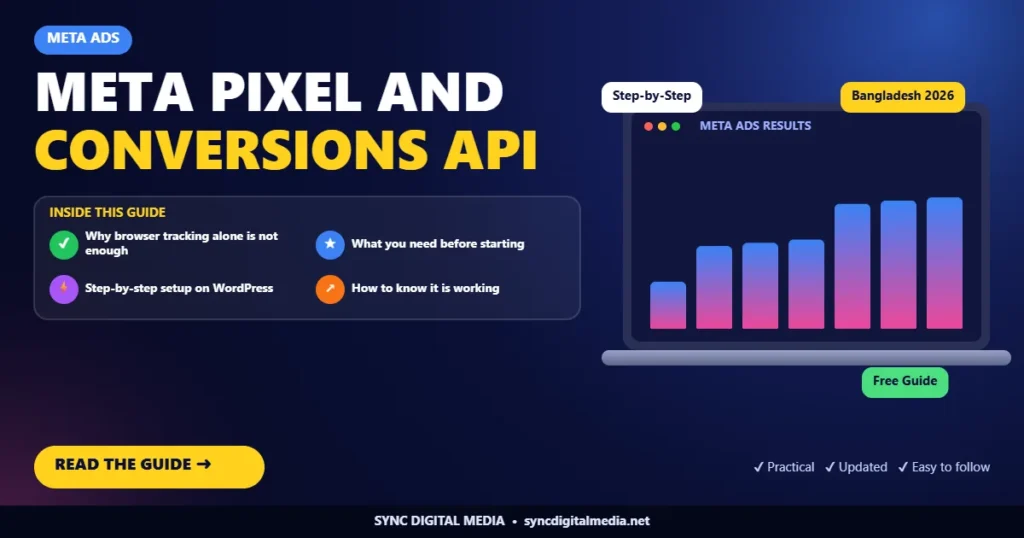
Short answer: the Meta Pixel tracks actions in the visitor’s browser, while the Conversions API sends the same events from your server. Using both, with deduplication, gives Meta more complete data, which usually means cheaper and more accurate ad delivery.
Why browser tracking alone is not enough
Ad blockers, privacy settings and short browser sessions mean the Pixel misses some events. When Meta sees fewer purchases or leads than actually happened, it optimises with incomplete information. The Conversions API fills that gap by sending events directly from your website server.
What you need before starting
- A Meta Business account and access to Events Manager
- Admin access to your WordPress or WooCommerce site
- Access to your domain’s DNS or the ability to upload a file or add a meta tag
Step-by-step setup on WordPress
- Create a dataset (Pixel) in Events Manager and note the ID.
- Install a trusted integration, such as the official Meta for WooCommerce plugin or another reputable pixel plugin.
- Connect the Conversions API inside the plugin using the access token generated in Events Manager.
- Turn on standard events: PageView, ViewContent, AddToCart, InitiateCheckout, Purchase and Lead where relevant.
- Check deduplication. Browser and server events should share the same event ID so Meta counts each action once.
- Verify your domain in Business Settings using DNS or a meta tag.
- Test with the Test Events tool, then place a real test order.
How to know it is working
In Events Manager, look at the event match quality score and the diagnostics tab. Warnings such as “server sending fewer events than pixel” mean some events are missing on one side and should be fixed.
Common problems
- Caching plugins blocking the pixel script on some pages
- Two plugins sending the same events, creating duplicates
- Purchase events firing on page refresh, inflating results
Need help?
We install and test Pixel and Conversions API tracking as part of our Meta Ads service, and as a standalone setup for any WordPress site.
Frequently Asked Questions
Is the Conversions API free?
Yes. Meta does not charge for the Conversions API. You only need a compatible plugin or server setup.
Do I still need the Pixel if I use the Conversions API?
Yes. Meta recommends using both together with deduplication for the most complete data.
What is event match quality?
It is Meta's score for how well your events can be matched to Facebook users. More customer information, sent securely, improves it.

Md Tajmul Hossain is the founder of Sync Digital Media in Satkhira, Bangladesh. He works hands-on with SEO, AEO, Meta Ads, Google Ads, social media and WordPress for small businesses and online stores.